Fake security warnings
Pop-ups that demand a call, payment or remote access are treated as suspicious.

Virus removal Birmingham
Investigation and cleanup for fake alerts, browser redirects, unwanted programs, suspicious pop-ups and compromised accounts.
Free general diagnosis · Quote before work · No Fix, No Fee on repair labour
Computer undergoing malware and security checks in Birmingham.
Virus removal Birmingham
Unwanted browser extensions, remote-access tools, stolen credentials and altered settings can remain after the visible warning disappears. The device and affected accounts may both need attention.
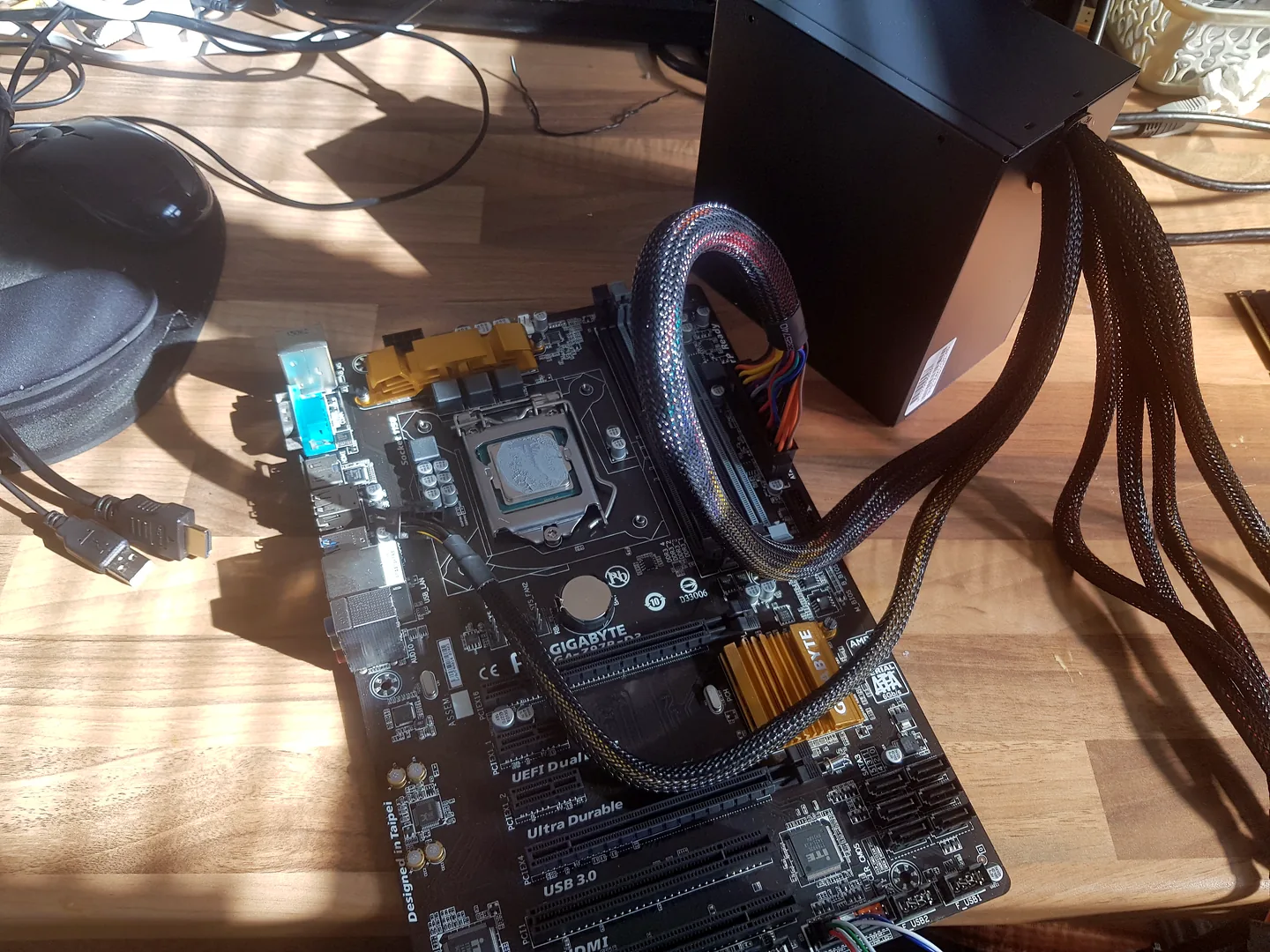
Desktop motherboard connected for computer fault diagnosis.
Pop-ups that demand a call, payment or remote access are treated as suspicious.
Changed search pages, new tabs and unwanted extensions can indicate adware or a hijacker.
Unexpected software, remote tools or startup items are identified before removal.
Malware is one possibility, but storage, updates and hardware are also checked.
Email, banking and shopping accounts may require password and recovery steps from a clean device.
Do not pay or erase the device before the situation and available backups are assessed.
Diagnosis before replacement
If someone has remote control of the computer, disconnect it from the internet and end the call. Do not provide codes, card details or passwords.
Use a different trusted device to change important passwords and contact the bank when payment information may have been exposed. A computer cleanup does not automatically secure every online account.
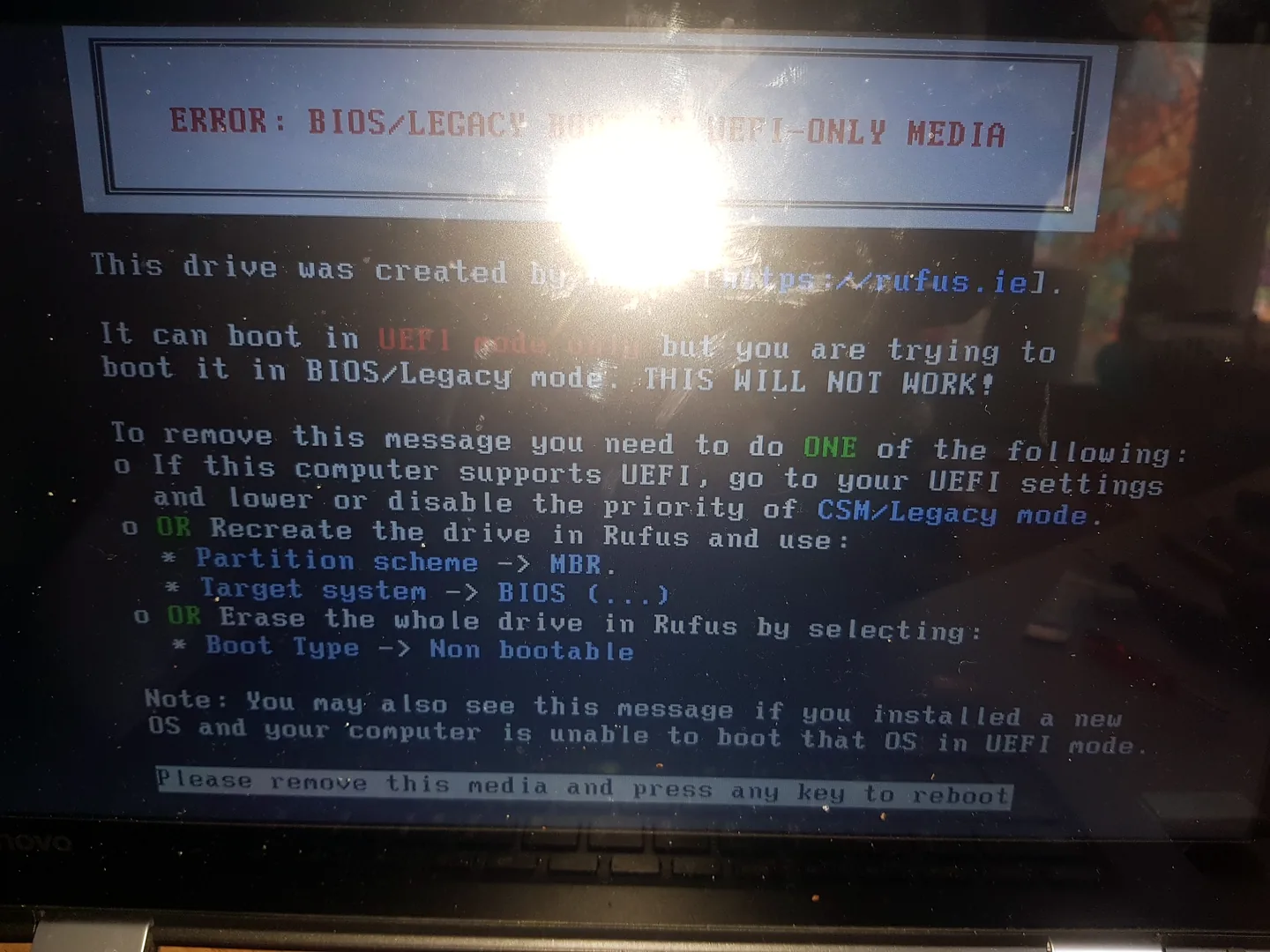
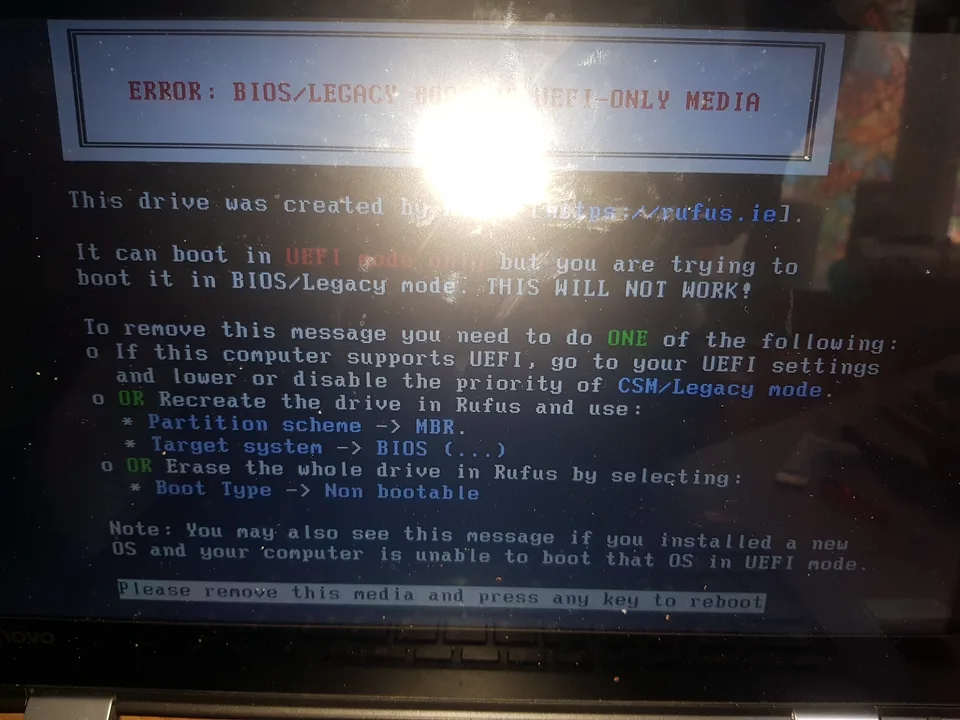
Windows boot error shown during operating-system diagnosis.
What affects the repair
A useful quote depends on the exact model, fault and condition rather than a headline price alone.
Adware, remote-access scams and credential theft require different responses.
The computer may be clean while stolen passwords still need to be changed.
A failing drive or damaged Windows installation can complicate cleanup.
Clean backups can reduce risk, but they should be checked before restoration.
Malware removal Birmingham
Malware cleanup should go beyond deleting the pop-up or browser extension that first revealed the problem.
A virus removal near me search can include browser hijackers, unwanted software, malicious startup entries, fake alerts or account compromises. The safe approach is to identify what is running, protect important accounts and then check the system after cleanup.
How repairs are handled
Tell us the device model, symptoms and whether you need a workshop appointment or call-out.
We inspect the fault and identify the likely repair route. General fault diagnosis is free.
You receive the options and price before chargeable work begins.
Approved work is completed and the relevant functions are checked before return.
Related repair services
Help with failed updates, boot loops, corrupt Windows, driver faults, account access and clean installations.
View service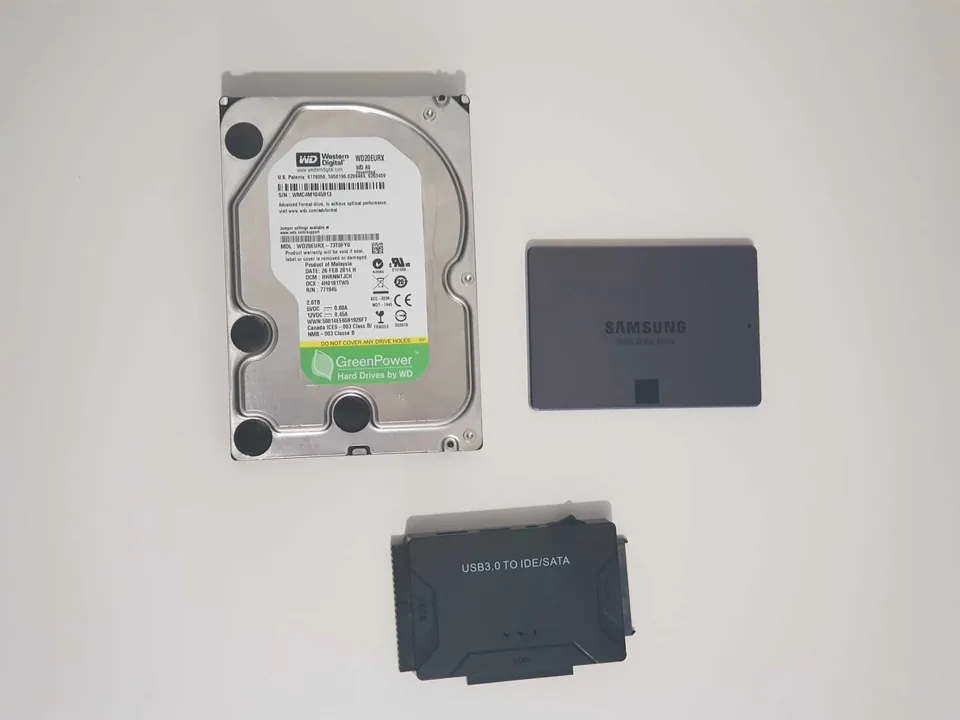
Assessment for deleted files, corrupted storage and failed hard drives or SSDs.
View service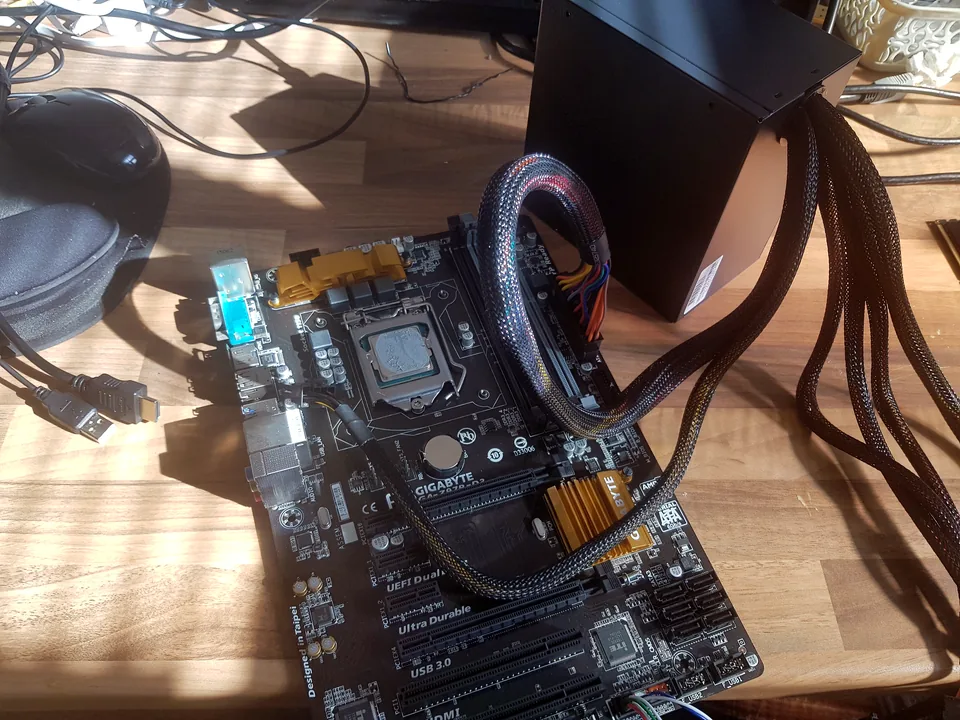
Diagnosis and repair for no power, no display, slow systems, Windows faults and failed components.
View serviceRepair guides
Repair guide
Nine Windows malware warning signs, including redirects, fake alerts, unknown remote tools, disabled security and suspicious account activity.
Read guideRepair guide
Immediate response steps after fake alerts, browser redirects or remote-access scams, including account, payment and device protection.
Read guide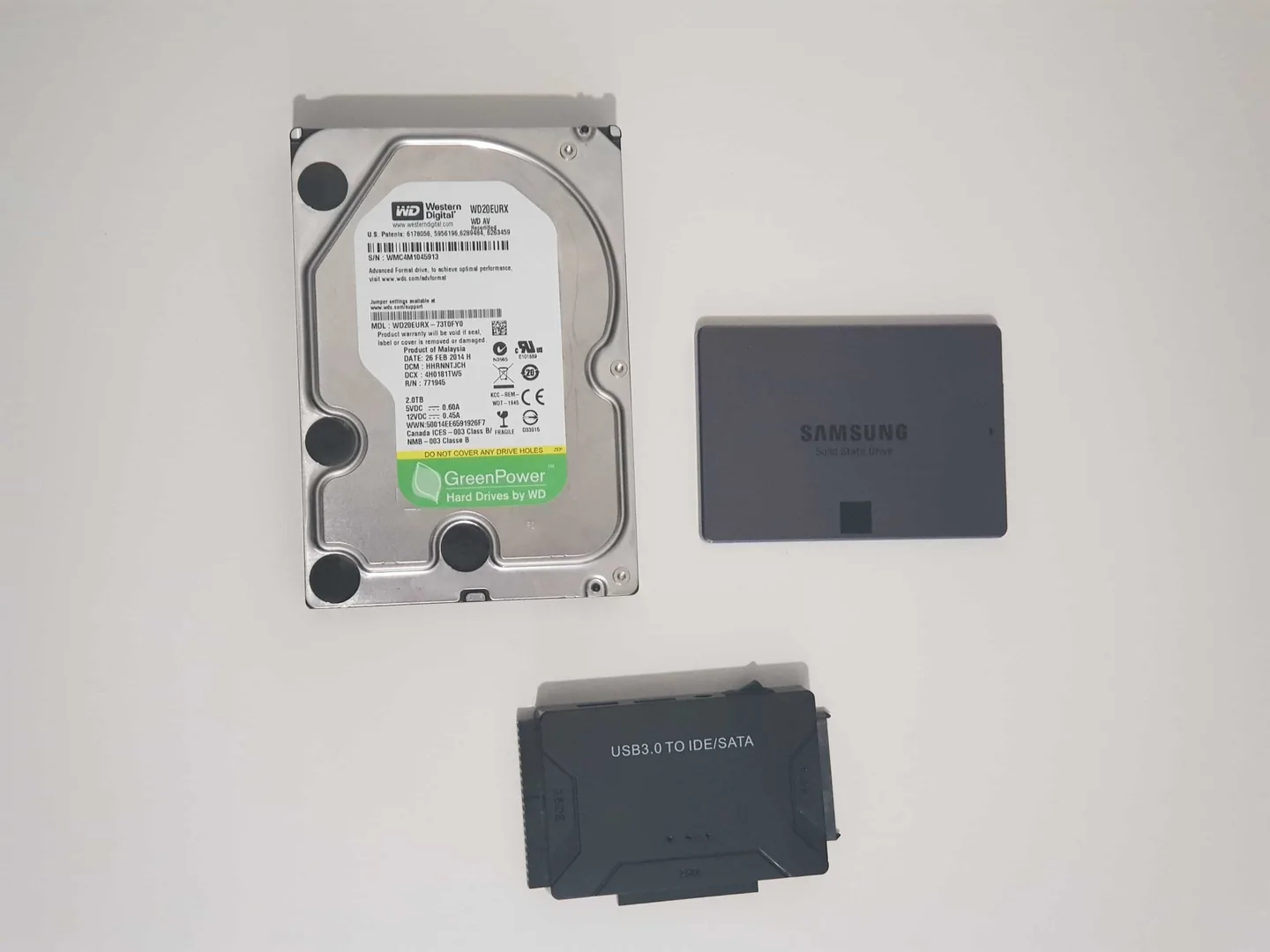
Repair guide
What to stop doing after accidental deletion, formatting or a missing folder, and how to avoid overwriting recoverable data.
Read guideFrequently asked questions
No. The device can be checked and cleaned, but online accounts must also be secured and monitored.
Not before important files and the nature of the incident are considered. A reset can remove evidence or data without fixing account compromise.
Security options can be discussed, but safe updates, account security and user behaviour are just as important as one product.
Disconnect the device, contact the bank if needed, change important passwords from a clean device and arrange an assessment.
Speak to a technician
Explain what appeared, whether anyone connected remotely and whether account or payment details were shared.